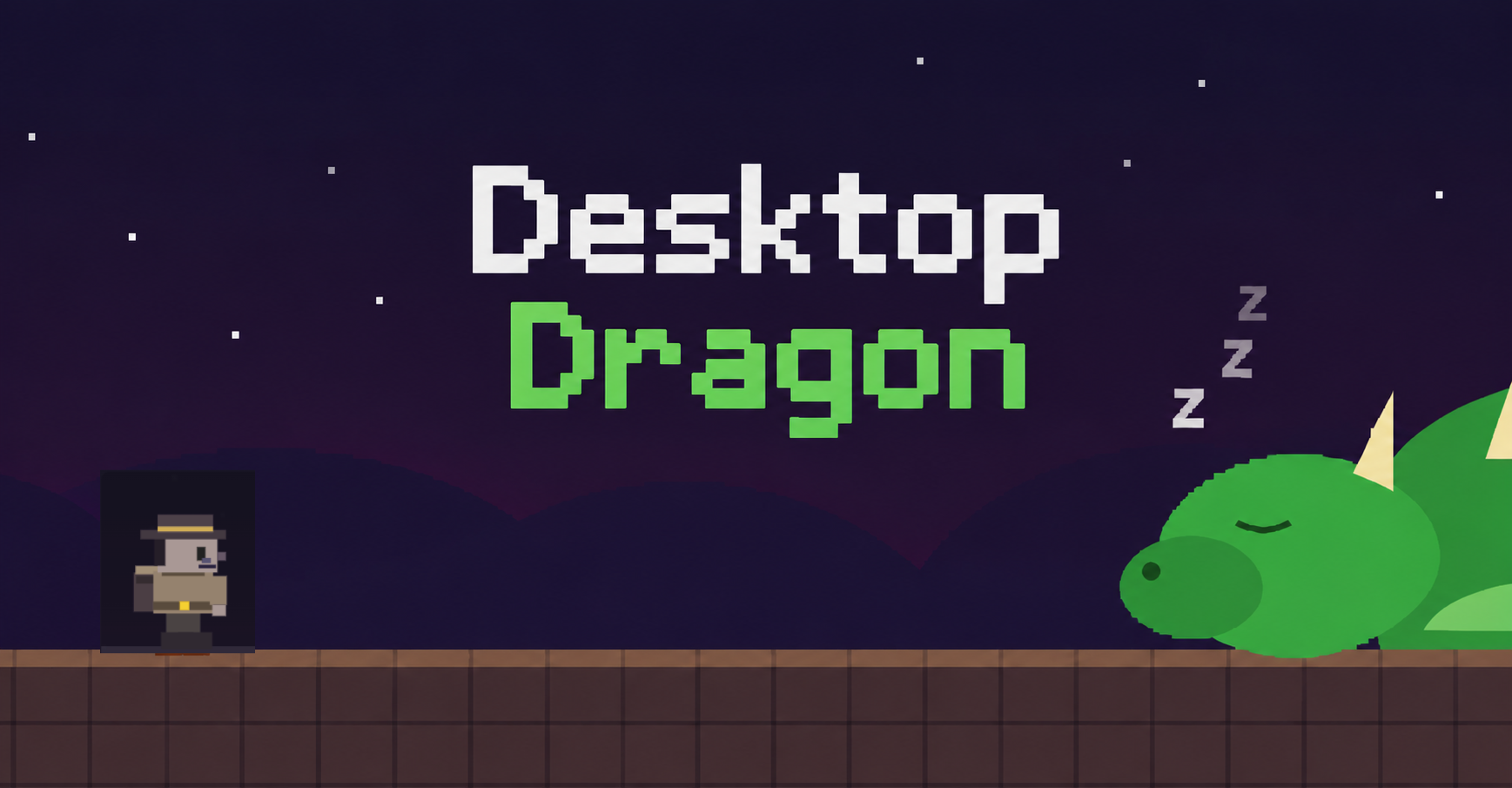
Desk Dragon
A downloadable game for Windows
DLC maker:play
web play: https://rylestolz.com/dragon-boss-website-fight/
A Mario-style desktop platformer with ten worlds, power-ups, and a boss fight that literally breaks out of the game and onto your screen.
Platformer, Singleplayer, Funny, Retro, Boss Fight, Windows, Free
Something is sleeping on your desktop. Maybe don’t poke it.
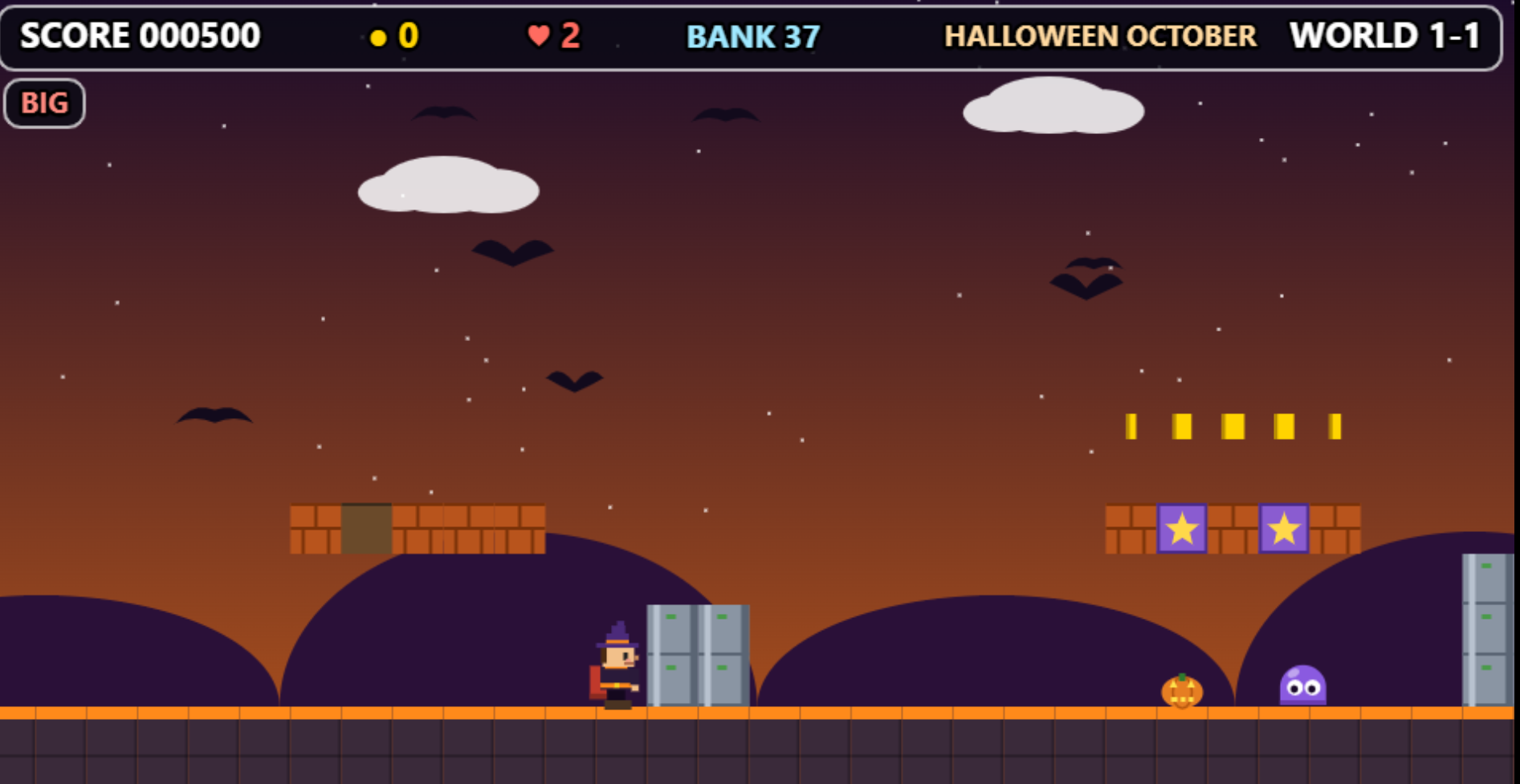
Desk Dragon is a side-scrolling platformer built for your Windows desktop. Run and jump through handcrafted procedural levels, stomp enemies, grab coins, and collect classic power-ups. Then watch the story go completely off the rails when a dragon wakes up and takes over your computer.
What You’ll Play
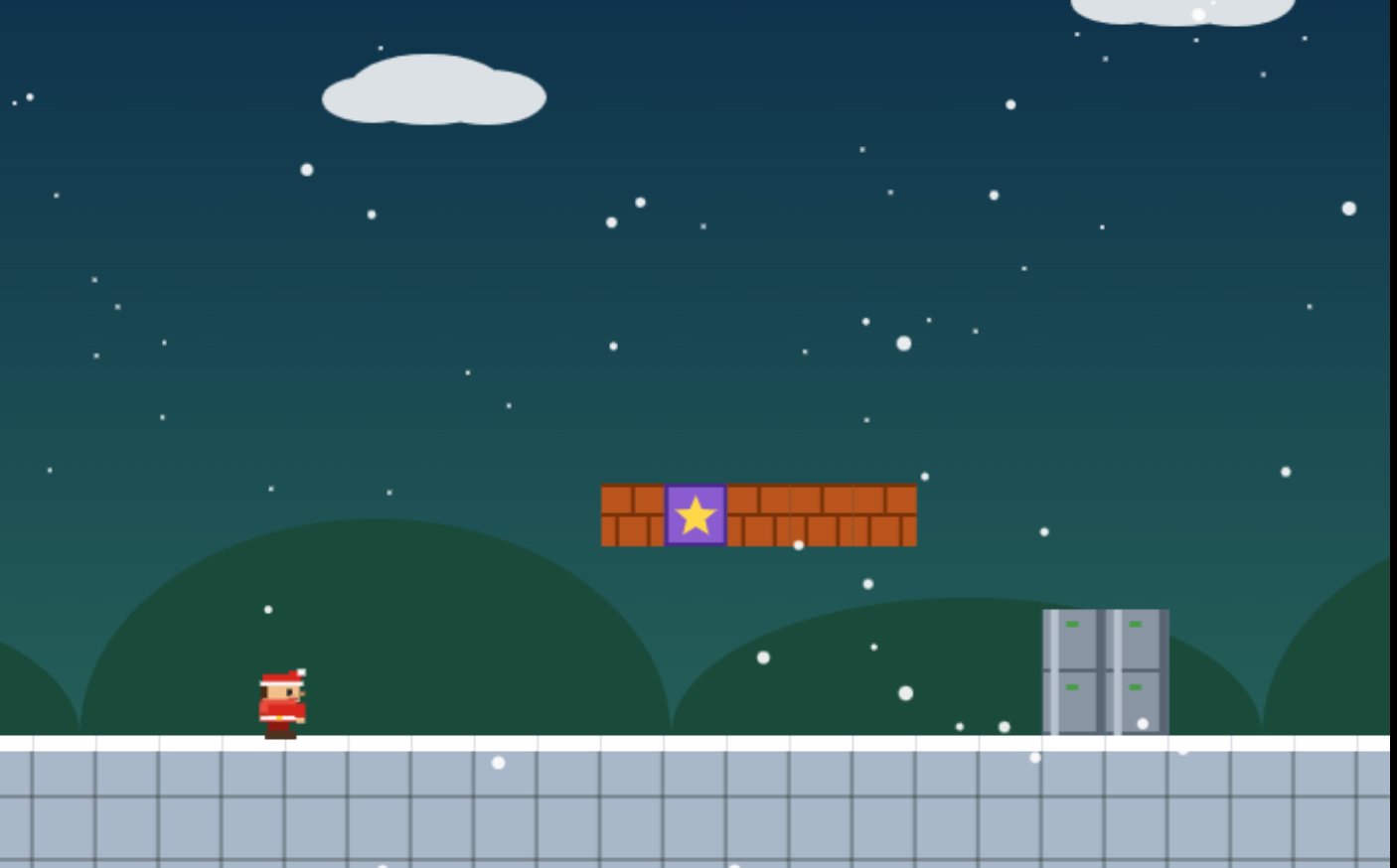
- Ten platforming worlds plus a secret finale, including grasslands, deserts, ice, jungle, and volcanoes
- Classic power-ups: grow big, fire flowers, stars, spring boots, and extra lives, plus Easy Mode for a gentler run
- A choice halfway through: after World 1-5, keep exploring or skip ahead toward the dragon
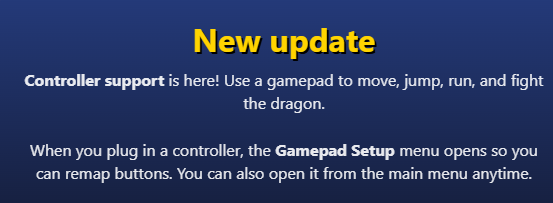
- Full controller support with remappable buttons. Plug in a gamepad, and the game shows your shoot button instead of just saying “Press C”
- Synth soundtrack and sound effects, generated in real time with no audio files
When the Dragon Wakes Up
Controls
Keyboard: Move with the arrow keys or WASD. Jump with Space or W. Run with Shift. Shoot fireballs with C or F when you have the Fire Flower. Press M to mute or Esc to open the menu.
Gamepad: Full support with Gamepad Setup, which opens when you connect a controller. Remap the jump, run, shoot, and menu buttons; choose Xbox or Nintendo layouts; and adjust the stick dead zone. In-game hints show your mapped shoot button when a controller is connected.
Windows Desktop Game
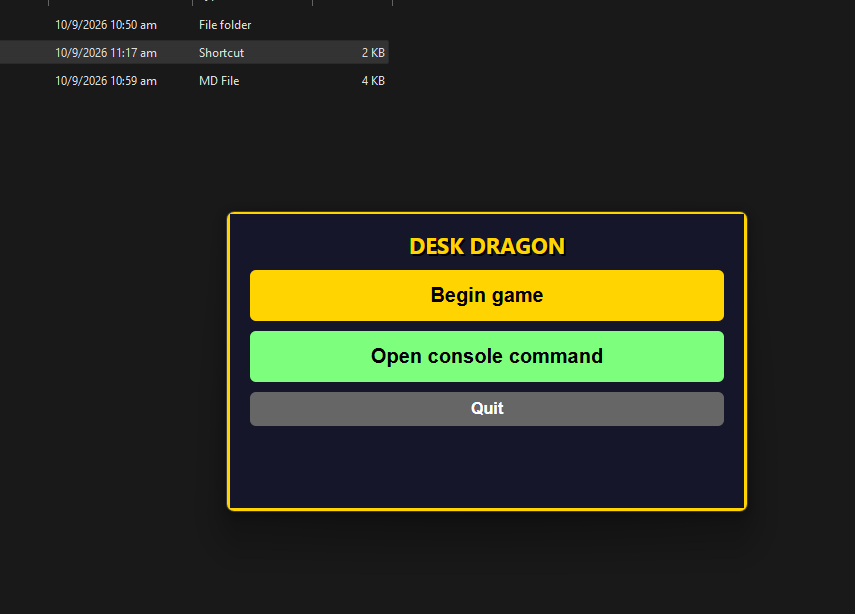
Download and run the game using the included launcher. Type `begin game` or click the on-screen Begin Game button. To run the developer build, use npm install and npm start inside game-files.
Content Note
The folder attack displays real folder and file names from your user profile in read-only mode for visual effect. If you stream or record, be aware that names may appear on screen.
Controls Summary
Keyboard and gamepad controls:
- Move: Arrow keys or WASD; left stick or D-pad
- Jump: Space, W, or Up; remappable, default A
- Run: Shift or X; remappable, default B, X, or RB
- Fireball: C or F; remappable, default Y or RT
- Menu: Esc; D-pad and confirm
Developer Notes
- Built with Electron
- The boss phase uses transparent overlay windows
- Open the admin console with the backtick, backslash, or slash key during play, then type “help”
Ten levels. One dragon. Your desktop.
Download
Install instructions
download extract the file and play
Development log
- LAN aka 2-4 players1 day ago
- web play!!!1 day ago
- the game is up and running2 days ago